ChatGPT website editing: Update Your Tax Site in 2027
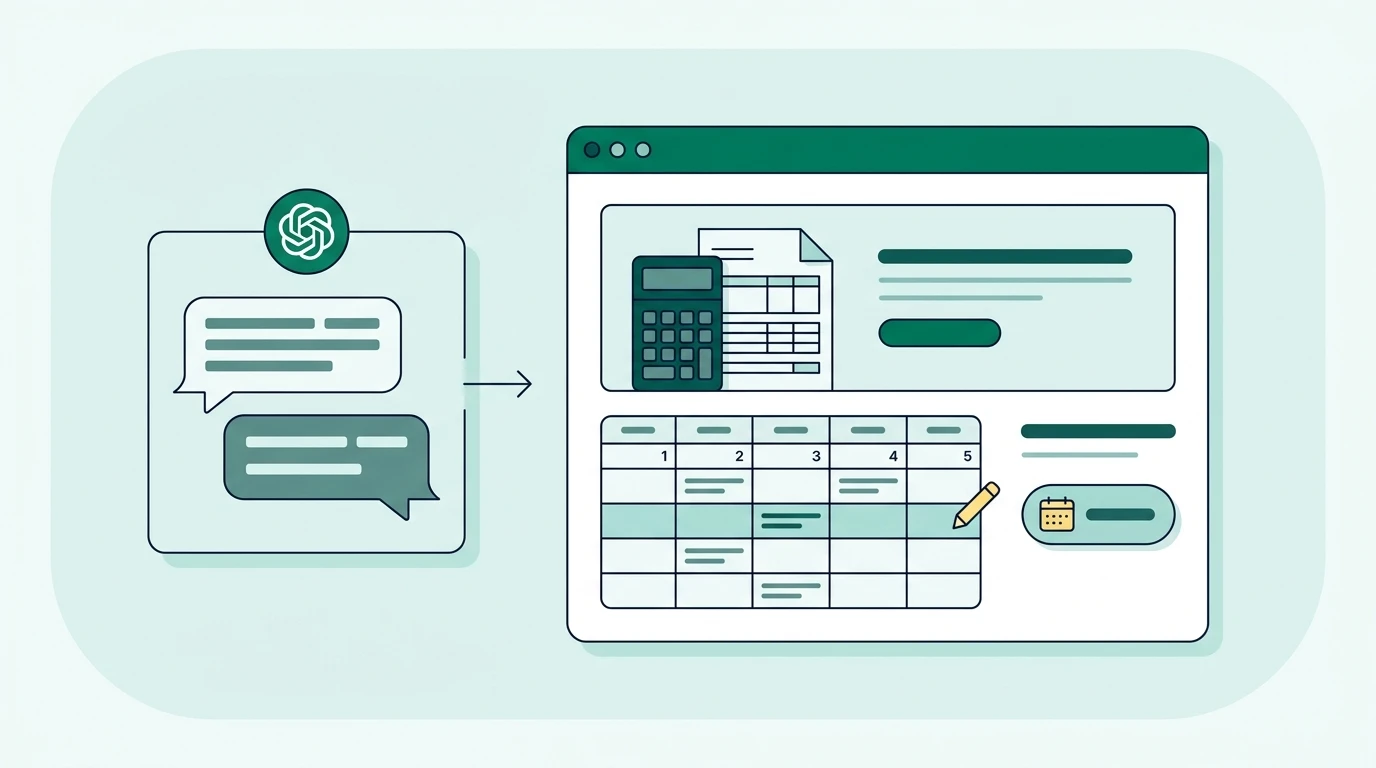
ChatGPT website editing lets you describe changes to your tax business website in everyday language. It can draft updated text; publishing requires access through a supported website connection or your existing editor. If tax season hours or booking links are outdated, this walkthrough shows you how to request, review, and publish changes safely.
Key Takeaways
- Separate drafting from publishing. ChatGPT can write replacement content without website access, but live changes require a supported connection or manual editing.
- Give every request a specific page, approved facts, and clear limits on what must remain unchanged.
- Review pricing, tax claims, bilingual content, and booking destinations before authorizing publication.
- Test the published page on a phone, including the appointment or inquiry process a client will actually use.
What can ChatGPT actually change on your website?
ChatGPT can help update service descriptions, rewrite confusing instructions, and prepare landing-page content. Whether it can apply those changes depends on your website platform and the tools connected to your ChatGPT account.
A conversation alone does not give ChatGPT access to your website. Pasting a page address may help identify public content when browsing is available, but it does not grant editing permission. Uploading a screenshot also provides context, not access.
Run your tax office from one bilingual system.
See how Conecta handles clients, messages, documents, reminders, and workflows.
There are distinct ways to work:
| Method | What ChatGPT does | What you do |
|---|---|---|
| Content drafting | Writes replacement text, headlines, or page outlines | Paste approved content into your website editor |
| Guided editing | Explains where and how to change content based on your platform and screenshots | Make the changes yourself |
| Connected website management | Uses an authorized tool to perform supported website actions | Connect the correct account, review the proposed changes, and authorize appropriate actions |
The connected approach is what makes plain-language website maintenance possible without learning to code. However, an integration that can read pages might not be able to edit them. Another might update text but lack permission to create pages or publish.
Check the current OpenAI Help Center guidance on ChatGPT tools and connections before relying on a particular capability. Availability and permissions can vary, and a workflow planned for 2027 should be verified against the tools available when you use it.
We are taking Conecta in this direction: helping business owners manage their websites through ChatGPT using connected tools. Our Customer ChatGPT Connection information is the place to check the connection process and available capabilities before assuming a particular action is supported.
One of the things that excites me most about AI is making technology easier for small business owners. I've seen how excited tax professionals get when they realize they can describe a website change to ChatGPT instead of figuring out how to code it themselves.
I believe business owners should focus on running their businesses, not learning complicated website tools. That's exactly the direction we're taking with Conecta.
Step 1: Identify the exact page and the facts that need changing
Start with a small, verifiable update rather than asking ChatGPT to “improve the whole website.” A business-hours correction is a good first task. It has clear facts, a limited scope, and an obvious way to confirm success.
Open your website as a client would. Look at the homepage, service pages, contact information, and appointment buttons. Record which details are wrong and what the approved replacements should say.
Keep that record simple:
| Item to record | Example |
|---|---|
| Page | Contact page |
| Current problem | The page still shows off-season availability |
| Approved replacement | The office's confirmed tax season schedule |
| Related locations | Footer, appointment page, and the other language version |
| Must remain unchanged | Phone number, address, existing appointment destination |
| Person approving publication | Owner or designated office manager |
Use your actual schedule in the working document. ChatGPT should never fill missing hours, prices, credentials, or service availability from assumptions.
For a bilingual office, treat the English and Spanish versions as connected maintenance tasks. Changing only one version creates conflicting instructions and leaves seasonal staff explaining discrepancies over the phone.
Also distinguish website problems from operating problems. A new “Book an appointment” button cannot correct an outdated scheduling calendar. If appointment no-shows are the concern, confirm that availability and reminders are configured before directing more clients into that process.
We recommend keeping one approved source of facts for public-facing information. A short office reference document is enough: current hours, service scope, approved fees, contact details, and booking destinations. Do not include client records.
Step 2: Choose a safe editing route and confirm access
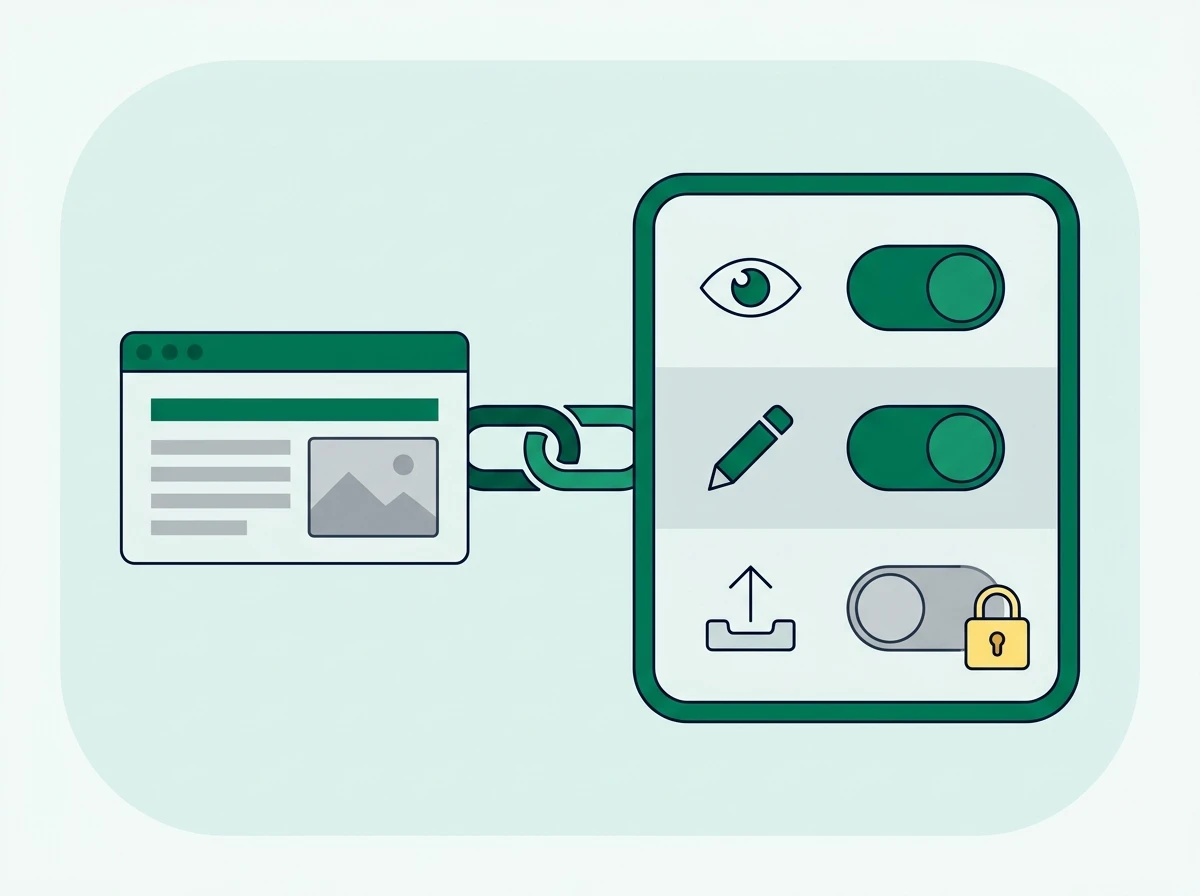
Choose between manual publishing and connected publishing before requesting changes. That decision determines whether ChatGPT should return replacement text or prepare an action through a website tool.
For manual publishing, open your normal website editor and locate the relevant page. Copy only the public text ChatGPT needs to revise. If the editor is unfamiliar, provide a screenshot with private information removed and ask for platform-specific guidance.
For connected publishing, use the official authorization process supplied by your website provider or integration. Do not paste your website password into a conversation. Confirm that you are connecting the correct business, domain, and account, especially if you manage multiple offices.
Review the permissions before proceeding. Determine whether the connection can read content, save drafts, modify existing pages, or publish changes. These are separate capabilities; permission to perform one does not establish permission to perform the others.
Conecta connects website management with broader client-management tools. When evaluating the setup, review Conecta's integration information alongside the specific website connection requirements, rather than assuming every connected service supports the same actions.
Ask the tool to identify its limits before your first edit:
Confirm which website is connected and which page-editing actions are available. Tell me whether you can save a draft, preview changes, and publish. Do not change anything yet.
Some tools may not be able to report every permission clearly. If the response is uncertain, verify through the provider's documentation or support before authorizing changes.
Protect client information throughout the process. A website maintenance request does not need Social Security numbers, tax returns, payment records, or private client messages. The IRS provides guidance on protecting tax client data, which remains relevant when introducing AI tools into your office.
Also review ChatGPT's data controls and your organization's policies before uploading business material. Settings do not replace a decision about whether that information belongs in the tool.
Step 3: Describe the change in plain language
An effective editing request names the page, provides the replacement facts, and defines the boundaries. You can write the request in English or Spanish, but explicitly state which language the finished page should use.
Avoid requests such as “Make our tax page better.” That leaves the system guessing about your services and what clients should do next. A useful request explains the operational problem: visitors cannot tell whether you prepare self-employed returns, or the appointment button sends them to an old calendar.
Use this copyable template:
Update the following page: [page name and address].
The problem is: [what is outdated or confusing].
Use only these approved facts: [replacement details].
The finished content should be in: [language], for [intended client audience].
Keep these items unchanged: [prices, contact details, page address, booking destination, or other protected items].
Show the current and proposed wording, identify any missing information, and prepare a draft only. Do not publish until I approve the specific changes.
For a manual workflow, replace the final instruction with “Return replacement text that I can paste into my website editor.” That prevents confusion about whether the conversation has changed anything live.
The same approach works across routine tax-office updates:
| Website task | Practical request | What needs your approval |
|---|---|---|
| Update tax preparation services | “Rewrite the services section using this approved list. Distinguish individual returns from business returns.” | Actual service scope and any exclusions |
| Change business hours | “Replace the contact-page schedule with the approved hours below. Flag other visible references that may conflict.” | Effective dates, appointment-only periods, and other locations |
| Add a tax season promotion | “Draft a promotional section using only these offer terms. Include its expiration date and eligibility conditions.” | Every offer term and the removal date |
| Update pricing information | “Replace the listed fee with the approved fee. Explain the supplied conditions without inventing additional charges.” | Whether the fee is fixed, starting, or conditional |
| Create a landing page | “Prepare a draft page for self-employed tax preparation using these services and this booking destination.” | Claims, page address, navigation, and whether page creation is supported |
| Improve website text | “Rewrite this paragraph in plain English. Preserve its meaning and do not add guarantees.” | Accuracy and whether the wording matches office policy |
| Add appointment booking links | “Change this button's label and destination using the approved scheduling link.” | Correct calendar, appointment type, and location |
A worked example: updating a self-employed tax service page
Suppose your office prepares individual returns for self-employed clients, but the website only says “Tax preparation.” Clients call to ask whether you handle their situation, and staff repeat the same explanation.
Provide ChatGPT with your approved service scope and ask:
Revise our existing tax preparation page to explain that we prepare individual income tax returns for self-employed clients. Use the service details supplied below. Do not imply that bookkeeping or business-entity returns are included unless explicitly listed.
Add a short section explaining how to request an appointment. Keep the existing booking destination. Tell visitors to use our secure client process for documents rather than emailing tax records.
Return the proposed heading, replacement paragraph, and button label. Identify any facts you need before finishing. Do not publish.
This request addresses a real intake problem without asking the system to invent expertise. It also avoids sending more sensitive documents into an already crowded inbox.
For bilingual pages, request separate drafts using the same approved facts. Have a qualified bilingual reviewer check service names, eligibility language, and calls to action. Fluent wording can still communicate the wrong service.
Keep promotions and pricing especially constrained
A promotion should state what applies, who qualifies, and when it ends. Ask ChatGPT to flag missing terms instead of supplying them. Arrange removal when the offer expires; an old promotion can keep generating disputes after tax season.
Pricing needs equal care. Do not let an editor quietly change a starting fee into a fixed-price promise. If the final charge depends on forms or complexity, provide your approved explanation and require the rewrite to preserve it.
Step 4: Review the proposed changes before publishing
Review the actual replacement content or page preview before approving publication. A message saying “updated successfully” does not establish that the right page changed or that every statement is accurate.
Ask for a comparison showing the original wording, proposed wording, and affected page elements. For connected tools, confirm whether the change exists as a draft, a saved update, or a live publication. Those states are easy to confuse.
Use this review table as your approval gate:
| Review area | What to check |
|---|---|
| Business facts | Hours, address, contact details, service scope, credentials, and fees match approved information |
| Tax claims | No invented refund promises, unsupported eligibility statements, or unreviewed tax-law claims |
| Client action | The button leads to the intended appointment, inquiry, or secure document process |
| Bilingual consistency | Both language versions communicate equivalent terms and instructions |
| Search visibility | Existing page addresses and useful page titles remain intact unless a change was intentional |
| Layout and accessibility | Headings remain logical, text is readable, and links describe their destinations |
| Change boundaries | Unrelated pages, forms, navigation, and settings remain untouched |
Tax-law content deserves professional review. Asking ChatGPT to “update this page for 2027” is not enough to establish which filing season, tax year, or effective date applies. Supply verified facts and identify those dates explicitly.
For search visibility, favor useful answers over repeated keywords. Google's guidance on helpful, reliable content emphasizes people-first information. A service page should explain who you help, what the service includes, and how to take the next step.
Preserve an established page address unless you have a reason to change it. If a change is necessary, confirm how your platform handles redirects before publishing. ChatGPT should not rename pages casually as part of a wording cleanup.
Booking links deserve a separate test. Open the destination and check the appointment type, staff availability, office location, and language experience. Conecta's appointment scheduling features cover booking links and reminders, but your actual calendar configuration still determines what clients encounter.
Step 5: Publish, test the live page, and keep a rollback copy
Publish only the changes you have reviewed. If a connected tool supports publication, authorize the specific page and approved edits. If you are working manually, paste the approved content into the matching fields and use your platform's normal publishing controls.
Keep a copy of the previous content or use the platform's revision history before publishing. A backup is particularly useful when changing shared elements such as a footer, where an edit may affect more pages than expected.
Make the approval precise:
Publish only the approved changes to the named page. Leave the page address, navigation, and unrelated content unchanged. After publishing, report the affected page and any action that failed or could not be verified.
Then open the public page in a private browser window. Check it on a phone as well as a larger screen. Look for truncated buttons, awkward headings, and contact details that did not update.
Complete the client action yourself using clearly labeled test information. For an appointment link, confirm that it reaches the correct scheduling flow. For an inquiry form, verify that the test reaches the intended destination and remove the test record afterward.
If the old content remains visible, check that you published the correct page and language version. A cached version may also be involved, but do not assume caching is the explanation before checking publication status.
Keep a short change log recording what changed, who approved it, and when temporary content should be removed. This gives seasonal staff a reliable reference and prevents an expired offer from becoming next season's problem.
Small copy changes often fit this owner-managed workflow. Custom functionality, broken integrations, payment behavior, and structural redesigns may still require a specialist. Compare total effort, including review and testing, rather than treating every AI-assisted edit as automatically cheaper.
Frequently Asked Questions
Can ChatGPT edit my existing website directly?
Only when an authorized connection supports the required action on your website platform. Without that connection, ChatGPT can draft replacement content or guide you through changes in your existing editor.
Do I need to know how to code to update my website with ChatGPT?
Routine text changes usually do not require coding when your website has a visual editor or supported management connection. Changes to custom features or site behavior may require technical help.
Can I request website changes in Spanish?
You can describe the request in Spanish and specify the language of the finished content. For bilingual websites, request each version explicitly and have a qualified reviewer confirm equivalent meaning.
Does ChatGPT website editing cost extra?
Costs depend on your ChatGPT plan, website platform, and any connected service. Check subscription requirements, editing permissions, and usage charges before choosing the connected workflow.
Start with a contained update, such as correcting office hours, and verify the entire process before expanding to service pages or promotions. For the next step, explore Conecta's website management for tax offices and compare its approach with the maintenance your office needs.
Need a bilingual CRM built for tax offices?
Conecta combines CRM, client portal, automations, and bilingual workflows in one system made specifically for tax professionals.