Tax office mobile app: Run Your Office by Phone in 2027
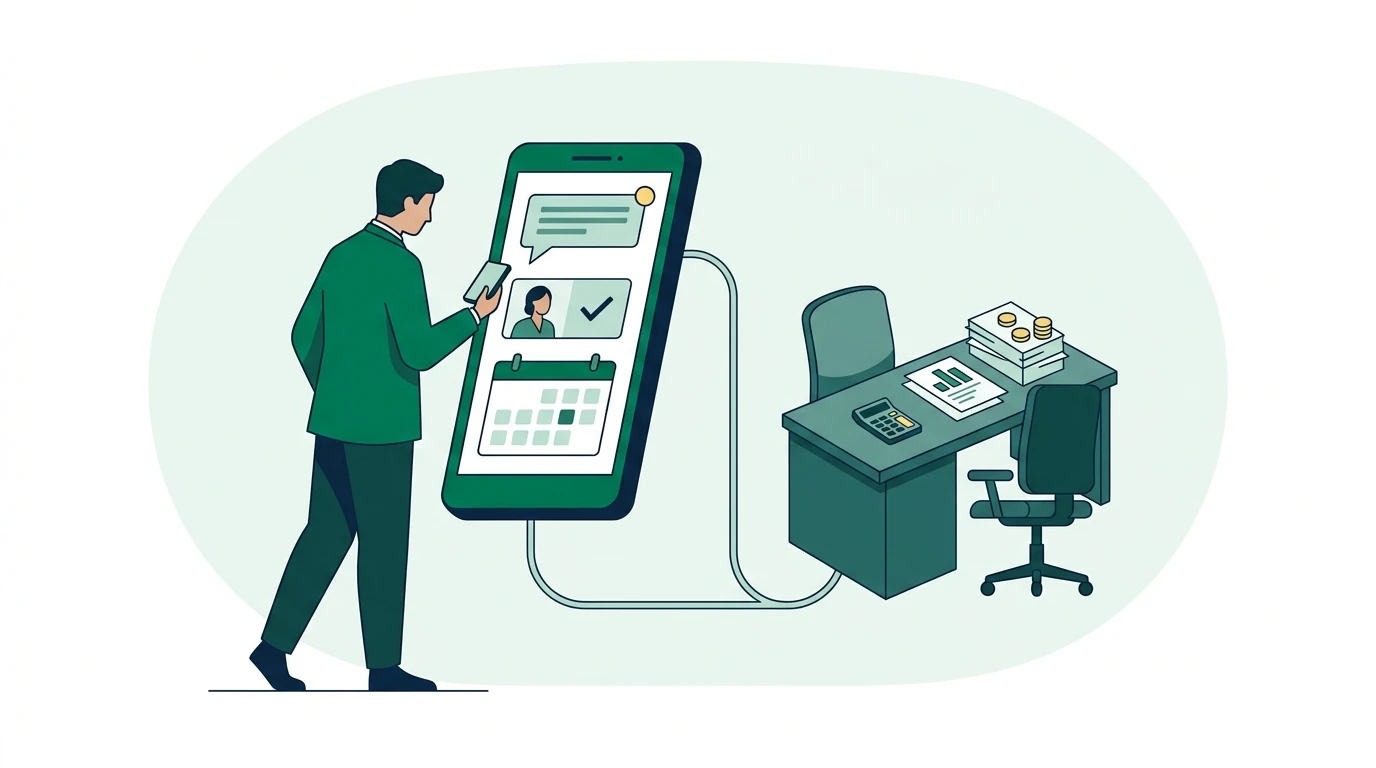
A tax office mobile app lets you stay connected to client messages, leads, and office activity without remaining at your desk. When documents arrive during a client visit or appointment requests pile up during an event, mobile access helps you act. For the 2027 tax season, build your phone workflow around the tasks below.
Key Takeaways
- Route business conversations through office-managed channels so employees do not become the only people holding client messages.
- Assign every new lead an owner and a next action before returning to other work.
- Use mobile access for quick decisions and handoffs. Keep sensitive, detailed return work in an appropriate workspace.
- Test the actual mobile app before tax season. Desktop features do not automatically work the same way on a phone.
1. Make your phone a reliable connection to the office
Start with the work that regularly stalls when you leave: answering a client, checking a new inquiry, or finding out who is handling an appointment request. Your mobile setup should let you move those tasks forward without calling the receptionist for an update.
A unified inbox brings supported communication channels into a shared workspace. For a tax office, that can mean SMS, email, WhatsApp, and portal messages, depending on the platform and configuration. The operational benefit is simple: staff can find the conversation without searching several unrelated apps.
Run your tax office from one bilingual system.
See how Conecta handles clients, messages, documents, reminders, and workflows.
Conecta provides a CRM connecting client records, communications, documents, appointments, and follow-up in English and Spanish. Its unified inbox for tax office messages illustrates the shared-workspace approach. Before relying on any channel remotely, confirm what the mobile app actually lets you view and answer.
That distinction matters. Conecta has an Android app, and its iPhone app is coming soon. Do not assume every Conecta platform feature is available inside the Android app; verify the specific actions your office needs.
The reason we built mobile access was practical:
“When we built Conecta's first Android app, my goal was simple: tax professionals shouldn't have to sit in front of a computer to stay connected to their business. If a client sends a message or a new lead comes in, they should be able to see it and respond from wherever they are. Technology should give business owners more freedom, not tie them to their desks.”
2. Give every incoming lead an owner and a next action
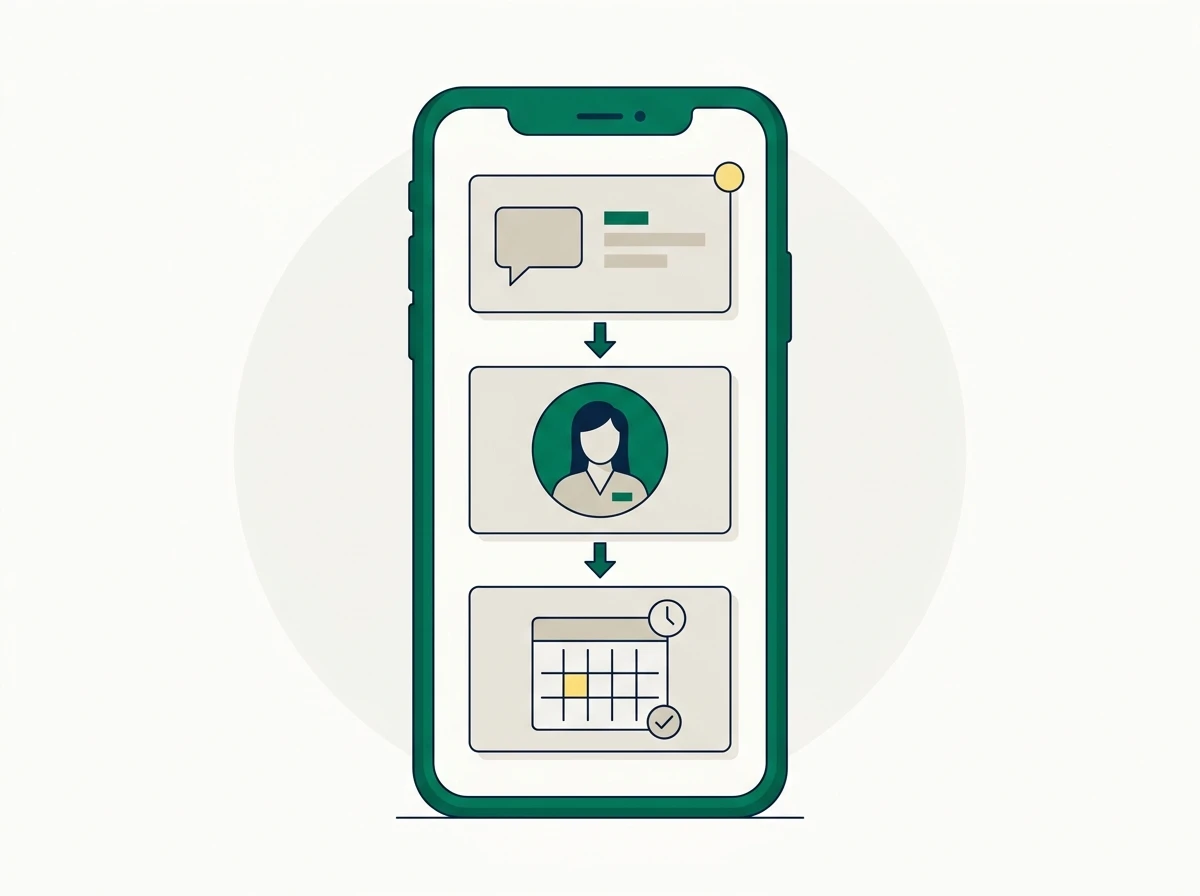
A mobile notification is useful only if someone takes responsibility for the inquiry. Every lead needs an assigned owner and a recorded next action, even when the first response is simply arranging a conversation.
Imagine you are attending a business networking event when a prospective client asks whether your office handles self-employed returns. If your mobile setup supports replies, acknowledge the inquiry and offer an appropriate intake step. Avoid requesting tax documents or identification through an informal message.
A useful response might be: “Thanks for reaching out. Our office can discuss your self-employment tax needs. What is the best time for a call, and which language do you prefer?”
Record the preferred language, assign the callback, and note what you promised. Conecta’s client records and follow-up tools provide context for organizing that information at the platform level; confirm how those records appear on your phone.
Set a backup owner, too. An inquiry should not sit untouched because the assigned preparer is meeting a client or driving between offices. Never make responding while driving part of your operating plan.
3. Keep business conversations off employees’ personal numbers
Using a phone for work does not require giving clients an employee’s personal number. Office-managed messaging keeps client relationships accessible when someone changes shifts, takes leave, or finishes seasonal employment.
Consider a seasonal preparer who receives a client’s missing-document update through a personal WhatsApp account. The preparer knows the document arrived; the front desk still believes it is missing. The client receives another reminder, and your office looks disorganized.
Choose an approved business channel for each type of conversation. SMS can handle a short callback request, while email may suit a longer explanation. WhatsApp may be convenient for some clients, but business ownership and staff access still need clear rules.
A shared inbox does not automatically capture personal conversations. Confirm which business numbers, email accounts, and WhatsApp connections feed into your system. Tell staff how to redirect messages received elsewhere without copying sensitive information into additional locations.
Phone security belongs in this policy. The FTC’s Safeguards Rule guidance identifies tax preparation firms among covered financial institutions and explains requirements for protecting customer information. Use individual staff accounts, restrict access by role, and establish a process for removing access when seasonal employment ends.
4. Check appointment requests without promising unavailable times
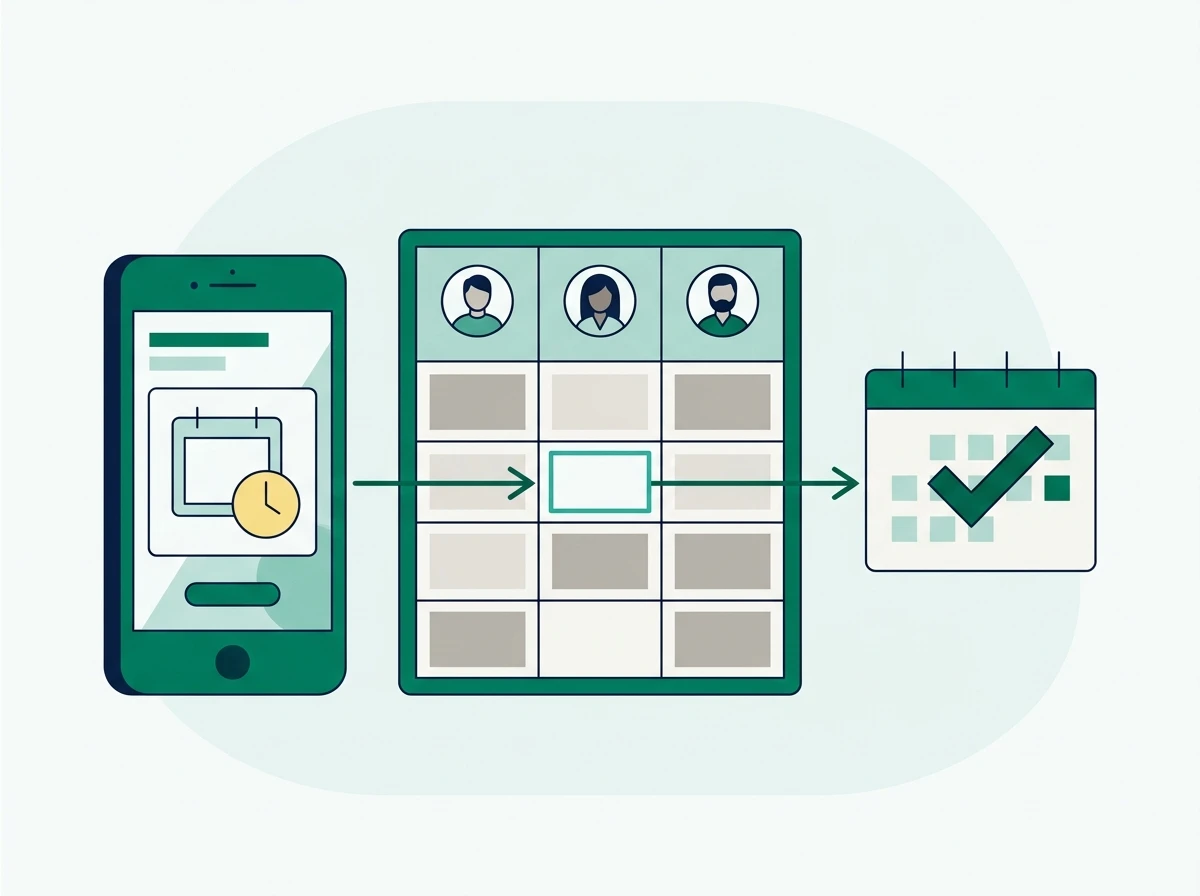
Mobile scheduling works best when you can distinguish a requested appointment from a confirmed booking. A client asking for tomorrow afternoon has expressed a preference; your office still needs to verify availability and the right preparer.
Suppose you are visiting a bookkeeping client when a tax client requests an appointment at another location. Check the office, assigned staff member, appointment type, and confirmation status before replying. A blank space on your personal calendar tells you little about another preparer’s capacity.
Your scheduling process should also record whether the appointment is remote or in person and which language the client prefers. Conecta’s appointment scheduling and reminder tools describe those broader scheduling capabilities; check which actions are available through your mobile access.
If you cannot confirm a booking from your phone, send a clear acknowledgment and assign the request to someone who can. “We received your request; our office will confirm availability” avoids presenting an unapproved time as booked.
Reminders need ownership as well. Decide who handles replies requesting a different time, rather than assuming an automated reminder completes the scheduling work.
5. Use client activity to hand work between people and locations
Client activity tracking should show what happened, who handled it, and what needs to happen next. That context is especially useful when you work remotely or oversee multiple locations.
Picture a client messaging one office about a document uploaded while another office prepares the return. The person answering needs enough history to avoid asking for the same file again. They also need to know whether the preparer has reviewed it.
“Received” and “reviewed” are different statuses. An upload confirms delivery, not completeness or readiness to file. Your team should record the distinction so a quick mobile reply does not accidentally promise that the return is ready.
Use a consistent handoff note: “Client requested an evening callback about a missing income statement. Assigned to the preparer at the downtown office. No filing completion date promised.” This is an illustrative format, not a claim about a specific app feature.
Before changing status from your phone, verify that the app displays current information and saves the change to the shared record. If that action is unavailable, assign the update through an approved office process rather than keeping it in your memory.
6. Test your mobile workflow before the 2027 rush
Evaluate a tax office mobile app by completing real office tasks with test records. A feature label or screenshot cannot tell you whether a seasonal employee can handle a client request correctly.
Run the test on the devices your team actually uses, including the connection available when someone works away from the office. Keep genuine taxpayer information out of the exercise.
| Test task | What to verify | Operating rule to establish |
|---|---|---|
| Receive a new inquiry | Whether the app supports timely notifications and opens the relevant conversation | Who responds when the primary owner is unavailable |
| Answer a client message | Which connected channels support mobile replies | Which channels staff may use for business |
| Check an appointment request | Whether requests and confirmed bookings are distinguishable | Who may confirm or reschedule |
| Review client activity | Which notes, assignments, and status details are visible | What every handoff must record |
| End a staff member’s access | How administrators revoke access and handle active sessions | Who handles departures and lost devices |
Push notifications deserve a separate check. Where available, configure alerts for work that needs attention without exposing sensitive message content on a locked screen. Check operating-system permissions and app settings instead of assuming alerts are enabled.
For Conecta, test the Android app directly and plan iPhone access around its coming-soon status. Do not build an essential seasonal process around an unreleased app or an unverified mobile feature.
Finally, fit mobile access into your security procedures. The IRS guidance on protecting taxpayer data gives tax professionals a starting point for safeguarding client information. Require device locks, keep software updated, and use multifactor authentication wherever supported.
Your phone should help you acknowledge a client, make a decision, or hand work to the right person while you are away. Start with those tasks, test them, and document who owns each one. Explore Conecta CRM for tax office client records, messaging, and follow-up as you prepare your office’s mobile workflow for 2027.
Need a bilingual CRM built for tax offices?
Conecta combines CRM, client portal, automations, and bilingual workflows in one system made specifically for tax professionals.