AI phone answering for tax offices: 2027 Setup Guide
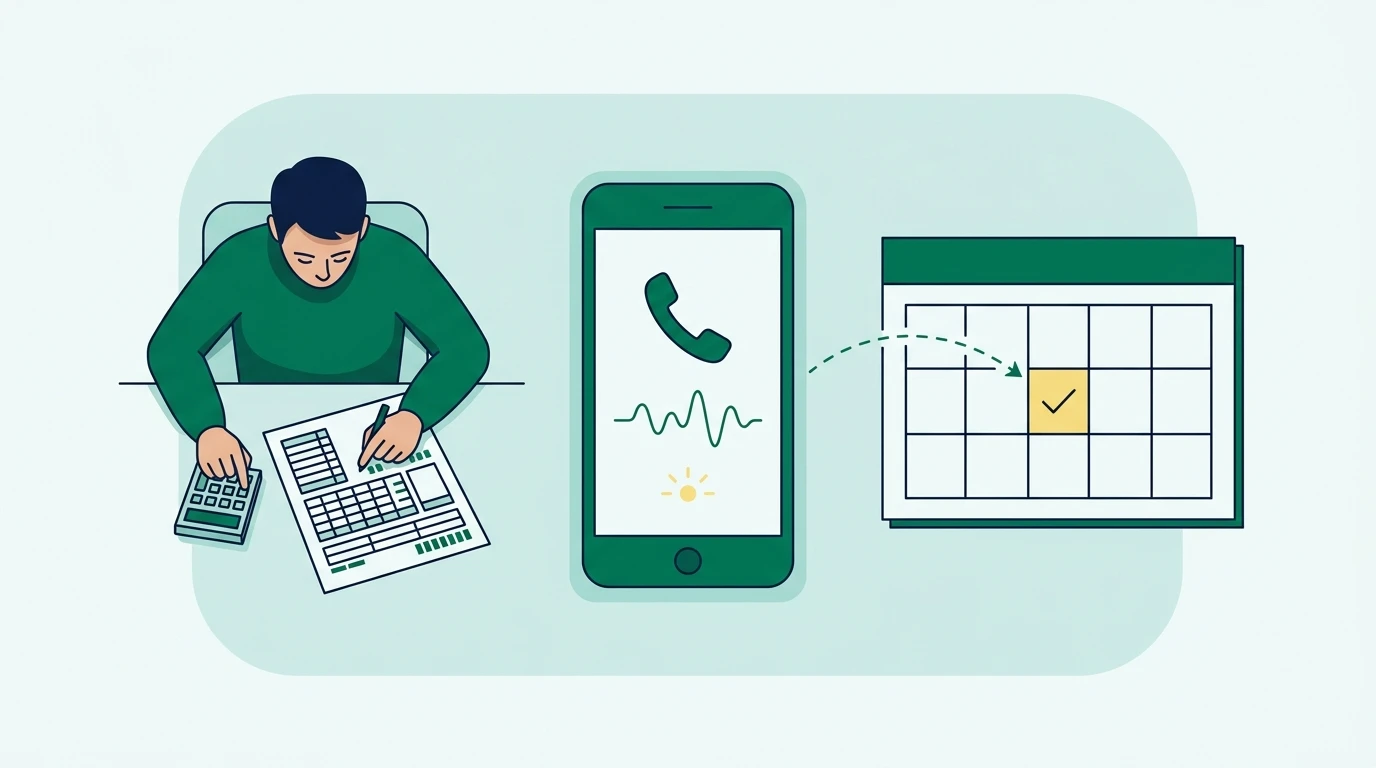
AI phone answering for tax offices uses a virtual receptionist to answer calls, handle approved questions, book appointments, and route requests to staff. When you are preparing returns and calls keep arriving, it can cover overflow. This guide shows you how to configure bilingual coverage and safe handoffs for the 2027 tax season.
Key Takeaways
- Start with missed-call and after-hours coverage, then expand after reviewing real call outcomes.
- Let AI explain office procedures and collect appointment details. Send tax advice and sensitive account questions to qualified staff.
- Test English and Spanish conversations separately, including language changes and requests for a person.
- Require confirmed calendar bookings and assigned follow-up tasks. A call summary alone does not complete the work.
Step 1: Understand what an AI receptionist actually does
An AI receptionist answers a telephone call, interprets what the caller says, and responds using your office’s instructions. Depending on the system and its integrations, it can also check availability, create appointments, send messages, or transfer the call.
The distinction is between talking about an action and completing it. A receptionist that says someone will call back must create an actionable request. One that offers an appointment must successfully save it before telling the caller it is confirmed.
Run your tax office from one bilingual system.
See how Conecta handles clients, messages, documents, reminders, and workflows.
A typical conversation follows a straightforward path. The system identifies the caller’s language and reason for calling, checks its approved information, then answers or takes an authorized action. If the request exceeds its permissions, it transfers the caller or creates a staff callback task.
At Conecta, we work with tax offices that are busy helping clients and cannot always answer every phone call. I believe AI should handle repetitive calls, answer common questions, and help clients get to the right person.
Traditional answering service or AI receptionist?
A traditional answering service generally uses human agents following your script. An AI receptionist uses software to conduct the conversation. Both depend on accurate office instructions, and neither should make professional tax judgments without qualified review.
| Option | How calls are handled | Main advantage | What to verify |
|---|---|---|---|
| Voicemail | Caller records a message for staff | Simple fallback when nobody can answer | Who checks messages and owns callbacks |
| Traditional answering service | Human agents answer using your instructions | Human judgment during unusual or emotional conversations | Bilingual availability, scheduling access, and peak-season charges |
| AI receptionist | Software answers using approved information and connected tools | Repeatable handling of routine calls and overflow | Accuracy, simultaneous-call capacity, integrations, and human escalation |
| Hybrid coverage | AI handles routine requests; people receive exceptions | Keeps staff available for calls requiring judgment | Transfer availability and what happens when nobody answers |
For a small office, we recommend starting with overflow coverage. Keep your existing receptionist or preparer available for complicated situations while the AI handles office hours, appointment requests, and routine intake.
Step 2: Map missed calls, transfers, and after-hours coverage
Before writing a greeting, decide when the AI should answer and where unresolved calls should go. Otherwise, you can replace unanswered calls with a different problem: conversations that end without anyone responsible for the next step.
Review the calling controls in your existing phone service. Ask whether it supports conditional forwarding when staff are busy, scheduled after-hours routing, and direct transfers. If you use Conecta, its phone features for calling, voicemail, and routing are the relevant starting point for reviewing that setup.
Write a short routing policy before changing anything:
During office hours, offer calls to the front desk first. If staff cannot answer, route the call to the AI receptionist. After hours, let the AI handle routine questions and appointment requests. Requests for professional advice go to the designated staff queue. If a live transfer fails, confirm a callback number and create a callback task.
Adjust that policy to match your staffing. An office with seasonal reception coverage may use different routing during lunch, evenings, and the busiest filing weeks.
Define the failed-transfer behavior explicitly. The caller should hear that the person is unavailable and receive a clear next step. Repeatedly transferring to an unanswered extension creates frustration, especially when a client has already explained the problem.
For callback requests, capture the caller’s name, preferred language, reason for calling, and safe callback number. Add a responsible staff member or queue. Use your office’s actual response expectations rather than letting the AI promise an immediate callback.
If the phone system or AI service becomes unavailable, maintain a fallback destination, such as staffed overflow or voicemail. Ask the vendor to demonstrate that failure path before tax season begins.
Step 3: Build approved answers and firm tax-advice boundaries
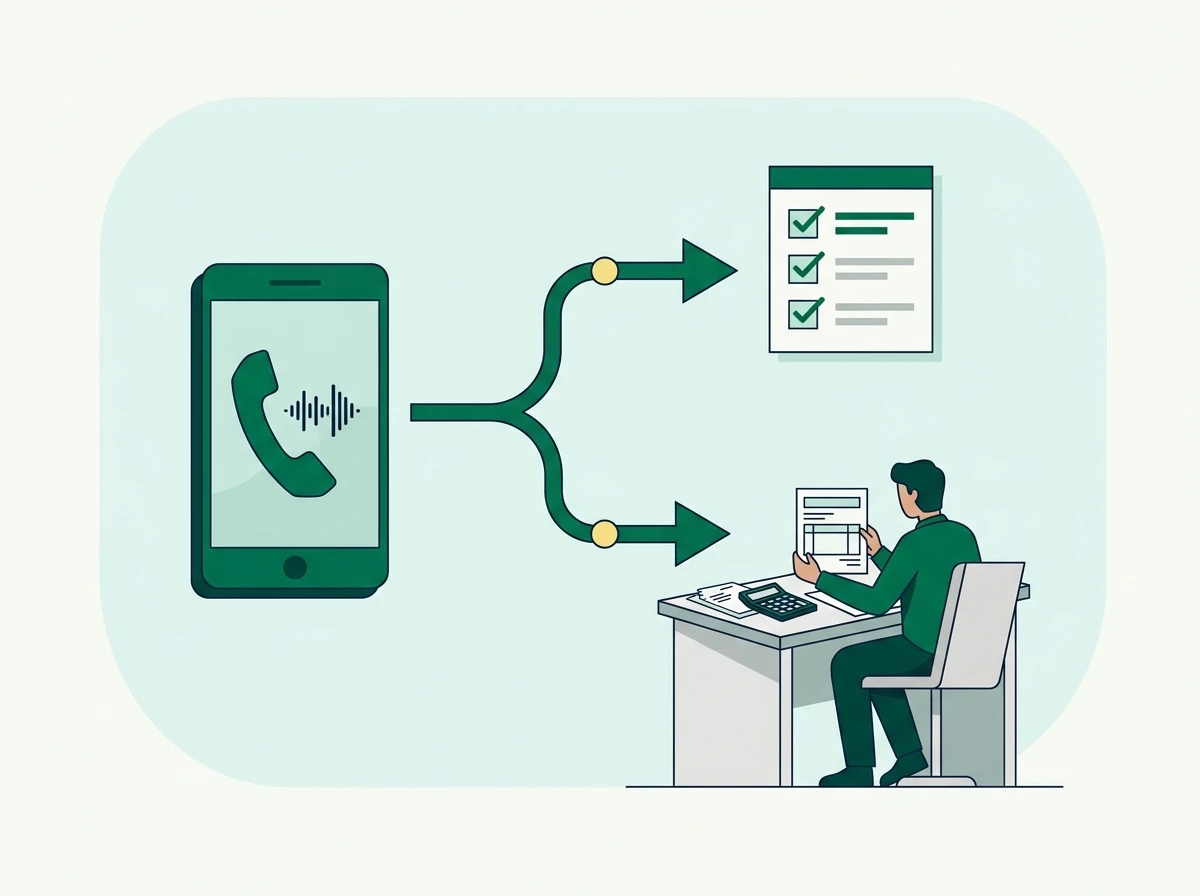
An AI receptionist needs a controlled office reference, not unrestricted permission to answer anything about taxes. Give it current information about your services and procedures, then define the questions that require a preparer.
Start with the questions your front desk repeatedly receives. These usually concern business hours, location, appointment types, document delivery, payment methods, and whether the office handles a particular kind of return.
Keep the reference specific. “We prepare business returns” leaves too much room for interpretation. State which services your office actually provides, whether new clients need a consultation, and which requests must be reviewed before booking.
| Caller request | Safe receptionist response | Required boundary or next action |
|---|---|---|
| “What time do you close?” | State the approved hours and any current seasonal changes | Use your maintained office schedule |
| “What should I bring?” | Give the approved general checklist or send its link | Explain that the preparer may request additional records |
| “How much will my return cost?” | Explain your published pricing policy or consultation process | Do not invent a quote or infer fees from incomplete information |
| “Can I claim my niece?” | Offer an appointment or callback with a qualified preparer | Do not decide eligibility |
| “Has my return been filed?” | Explain how to request a status review | Do not disclose account details based only on caller ID |
| “Where is my refund?” | Direct the caller to the appropriate status resource or staff | Do not invent a refund amount or payment date |
| “I received an IRS notice.” | Collect a general description and request staff review | Route promptly without interpreting the notice |
For federal refund questions, the IRS provides Where’s My Refund? as its official tracking resource. Your receptionist can explain that resource without asking the caller to read sensitive tax details aloud.
Procedural guidance and tax advice need separate rules. “Please upload your wage statements through the portal” is procedural. “You qualify for this filing status” is a professional determination.
Use an explicit instruction such as:
Do not decide filing status, dependent eligibility, deductions, credits, tax liability, or responses to tax notices. Explain that a qualified preparer must review the facts. Offer the approved appointment or callback process.
Also prohibit unsupported reassurance. “You should be fine” can sound like advice even when no calculation occurs. The safer response explains what staff need to review and how the client can reach them.
Review these instructions when office policies change. For the 2027 filing season, do not preload filing deadlines, fee schedules, or service promises that your office has not verified.
Step 4: Configure English and Spanish as complete workflows
Bilingual phone coverage should let callers finish the same task in either language. A Spanish greeting is only the beginning. Intake questions, appointment instructions, transfer messages, and follow-up communications must also work in the caller’s preferred language.
Offer a clear language choice or confirm the detected preference. Allow callers to change languages during the conversation, and preserve that preference in the callback request or client record.
Use equivalent approved information in both languages. If your English instructions explain that a consultation does not guarantee return acceptance, the Spanish workflow needs the same limitation. Staff should not have to reconstruct missing instructions afterward.
Sofia by Conecta is an example of a bilingual AI receptionist for tax offices. Regardless of which system you evaluate, ask it to demonstrate a complete Spanish-language call, including a failed transfer and the resulting staff notification.
Test a realistic bilingual appointment request
Consider a hypothetical caller who begins in English, then asks to continue in Spanish. They want to book a tax appointment but do not know which service to select because they also earned self-employment income.
The receptionist should continue in Spanish, ask the approved screening questions, and offer the appropriate appointment category. It should avoid estimating the caller’s tax bill or deciding which deductions apply. The appointment record should preserve the language preference and reason for the visit.
Have a fluent staff member review the whole interaction, including any written confirmation. Check pronunciation, comprehension, and tone. Tax terminology can sound technically correct while remaining confusing to the client.
When offering text follow-up, confirm that the caller wants a message at that number. Your client texting workflow for tax offices should carry the same language preference, so a Spanish conversation does not unexpectedly produce English-only instructions.
Step 5: Connect scheduling to the work your staff must complete
An AI receptionist can book reliable appointments only when it has access to current availability and clear booking rules. Without a calendar connection, it should collect appointment requests rather than promise confirmed times.
Define appointment categories before enabling booking. A new-client consultation may require different preparation and staff availability than a document drop-off or return-review meeting. Use your actual service durations and calendar buffers.
Give the system rules for office location, assigned preparer, time zone, and appointment format. Restrict it to slots your team has made available. It should never fill a blocked calendar period simply because a caller insists.
Confirm the appointment only after the calendar accepts it. If saving fails, the receptionist should explain that the request needs staff confirmation.
A useful confirmation repeats the appointment date, time, location or meeting method, and preparation instructions. Have the caller verify their contact details rather than assuming speech recognition captured a name or email address correctly.
For example, a returning client calls while your receptionist is helping someone at the counter. The AI books an available return-review appointment, confirms the preferred language, and sends the approved preparation message. Staff should see the appointment and relevant call summary without copying information between apps.
Be equally precise about rescheduling. Ask whether the system can locate and modify the existing appointment after appropriate verification, or whether it can only create a staff request. Accidental duplicate bookings make an otherwise helpful receptionist expensive to supervise.
Appointment reminders also require verification. A booking feature does not automatically mean reminders are enabled, delivered in the right language, or updated after a cancellation.
For every unresolved call, save an owner and next action. “Client called about missing documents” is incomplete. “Assigned to intake staff to confirm which documents remain outstanding” gives someone work they can complete.
Step 6: Protect taxpayer information before connecting client records
Phone conversations can expose taxpayer information through recordings, transcripts, summaries, and follow-up messages. Treat an AI receptionist as another service with access to your office’s data, even when its main job is scheduling.
The IRS explains in its guidance on written information security plans that tax professionals are required by federal law to maintain a written information security plan. Include the phone workflow in that review rather than treating it as a separate convenience tool.
Start with minimum necessary access. A receptionist answering office questions usually does not need access to tax returns, identity documents, or payment records.
Ask the provider where recordings and transcripts are stored, who can access them, and how retention and deletion work. Establish whether your office can disable recording or restrict the information included in summaries. Clarify whether customer data is used for model training and what contractual controls apply.
The FTC’s Safeguards Rule guidance explains obligations for covered financial institutions, including oversight of service providers. Review the arrangement with the person responsible for your security plan, especially before enabling access to client records.
Caller ID alone should never authorize disclosure of return status, balances, or documents. A caller who knows a client’s name still needs to pass your approved verification process. When that cannot happen safely, route the request to staff.
Recording consent requirements vary by jurisdiction and circumstances. Have qualified counsel review your disclosure and consent process, particularly if your office and callers are in different states.
Avoid collecting full Social Security numbers, payment card details, or tax-document contents through routine intake. Direct sensitive document submission to your approved secure channel. If a caller volunteers sensitive information, your workflow should limit further collection and route them appropriately.
Step 7: Test complete calls, compare costs, and launch gradually
Testing should prove that callers reach the correct outcome. A natural-sounding voice is useful, but an accurate appointment and a correctly assigned callback matter more.
Run scripted calls before launch. Include routine office questions, an English-to-Spanish language change, an unavailable appointment, a request for tax advice, and a caller who insists on speaking with a person.
Also test interruptions, background noise, misspelled names, and silence. Try a call when the destination employee is unavailable. Ask a question that does not appear in the approved reference and confirm that the receptionist admits the limitation.
After each test, inspect the resulting record. Verify that the summary matches the conversation and that promised actions actually occurred. A claimed text message that never arrives is a failed workflow.
Evaluate cost against completed work
Compare the full seasonal cost rather than the advertised subscription alone. Ask about usage allowances, overages, phone-number charges, setup, messaging, integrations, and additional staff access. Clarify how transferred calls and simultaneous calls are billed.
If you are evaluating Sofia, use the published Sofia AI receptionist pricing information alongside a written explanation of the charges relevant to your setup. Apply the same questions to every provider.
Use your own recent call records to estimate demand. Look at busy-period volume, typical call length, after-hours requests, and the amount of staff cleanup each workflow requires. Avoid assuming that every answered call creates revenue or eliminates staff work.
We recommend launching with missed-call or after-hours coverage while staff remain available to review outcomes. Track booking accuracy, transfer failures, and requests left without an owner. Review English and Spanish interactions separately so strong performance in one language does not hide problems in the other.
Before the 2027 rush, assign responsibility for updating hours, staff availability, and approved answers. Seasonal staffing changes can otherwise leave the receptionist transferring callers to people who no longer cover that queue.
Frequently Asked Questions
Can an AI receptionist answer calls while staff are already on the phone?
Yes, if your phone routing and the provider’s call capacity support it. Confirm simultaneous-call limits and test overflow behavior instead of assuming every incoming call will be answered.
Can I keep my existing tax office phone number?
Often, you can use call forwarding or number porting, depending on your carrier and chosen system. Verify the available options and any service interruption before changing a number clients already use.
Can an AI receptionist provide tax advice?
A front-desk AI should stay within approved administrative information. Questions involving eligibility, tax treatment, or a taxpayer’s specific circumstances should go to a qualified tax professional.
Will AI phone answering work with my current tax preparation software?
Compatibility depends on the available integrations and permissions. Begin by verifying the phone, calendar, and client-record connections you actually need; routine call handling may not require access to return-preparation software.
Prepare your phone workflow before the seasonal call surge: decide what the receptionist may handle, prove the handoffs work, and keep a person responsible for exceptions. To explore that approach with Conecta, review Sofia’s bilingual AI receptionist for tax offices and compare its workflow with your office’s requirements.
Need a bilingual CRM built for tax offices?
Conecta combines CRM, client portal, automations, and bilingual workflows in one system made specifically for tax professionals.