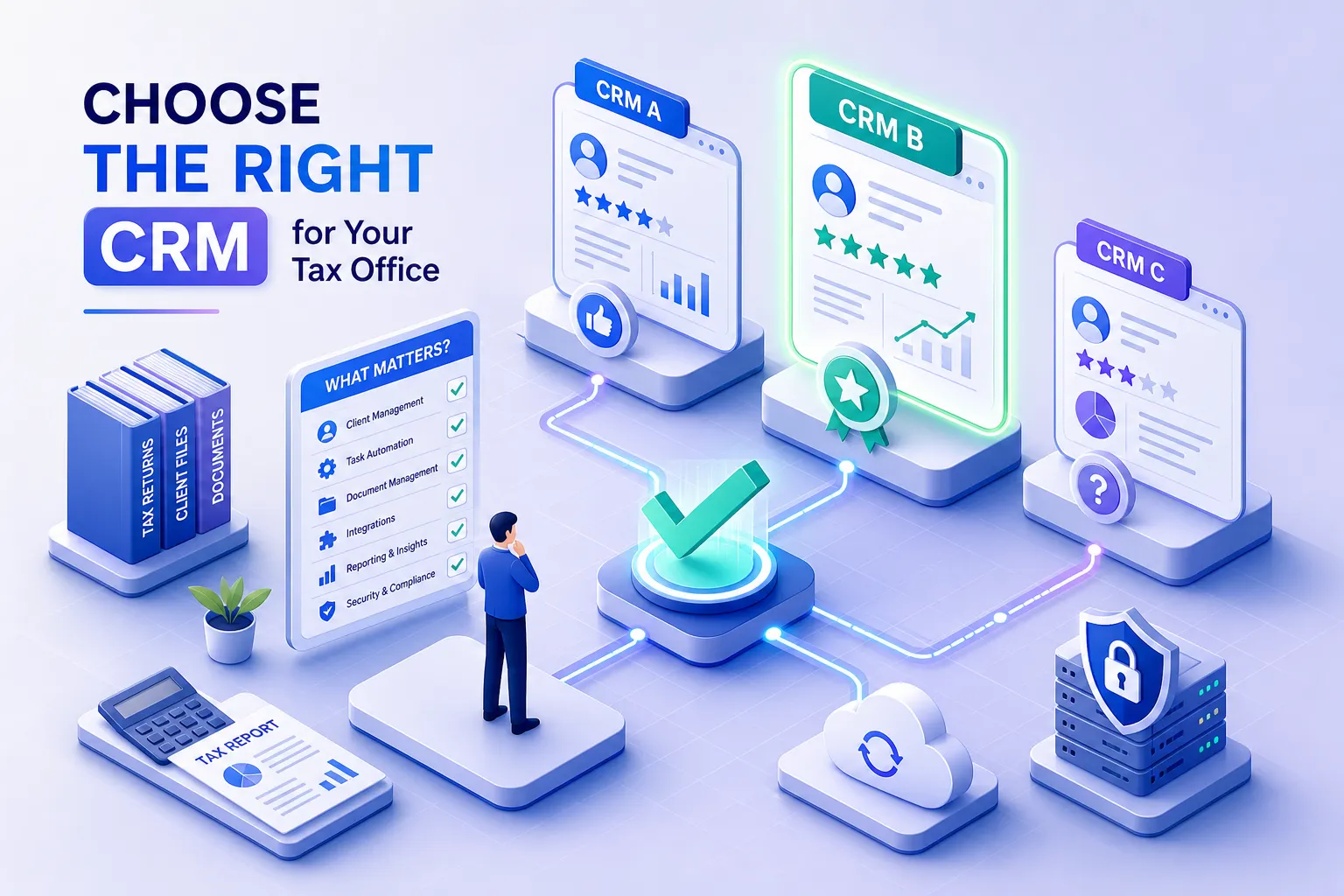
Every February, tax offices that set up HubSpot or built a spreadsheet system in January start feeling their tax office CRM fall apart. The pipeline view isn't designed for clients who return every year. Tags are inconsistent. Documents are buried in email threads. Follow-ups happen when someone remembers to send them. By March, the "system" is everyone doing what they did before, just with more tabs open.
The problem isn't that you chose the wrong generic tool. The problem is that generic CRMs are built around sales pipelines, where leads move through stages until a deal closes. A tax office doesn't work that way. Your clients return year after year. Your workflow runs on documents, deadlines, and seasonal windows. Your relationships are long-term, not transactional. A client management platform for a tax office needs to understand that, and most general business tools simply don't.
This is exactly why purpose-built platforms like Hola Conecta exist. The category of tax office CRM is distinct from general business software, and choosing correctly within it means knowing what features to require, how to evaluate platforms honestly, and how to build a confident shortlist before tax season arrives. That's what this guide covers.
What makes a tax office CRM different from a general business tool
Generic CRMs were designed for sales teams. That heritage shows up everywhere: in the terminology, in the dashboard layout, in the default fields, and in the logic that drives automation. Deals close. Leads convert. Pipelines move forward. None of that maps to how a tax practice actually operates.
Built around a business that runs in cycles
Tax offices serve the same clients year after year, with each year bringing new documents, updated contact information, and a narrow window to complete returns. A CRM for tax professionals needs to track not just who a client is, but where they are in this year's workflow: did they send their W-2? Have they booked their appointment? Was their return filed? Generic CRMs don't have these fields or this logic by default, and configuring them from scratch wastes time that small offices don't have, especially heading into January.
The operational gaps that generic platforms leave behind
Beyond workflow logic, generic tools also lack the built-in features tax offices need most: secure document portals, appointment booking tied to client records, multi-channel messaging for following up on missing forms, and billing connected to service completion. Stitching these together from separate apps is technically possible. But it creates data silos and manual handoffs that break down during tax season, exactly when your office can least afford them. The result is that staff spend time managing tools instead of serving clients.
Key Features Every Tax Office CRM Needs
These aren't nice-to-haves. A platform missing any of these capabilities will create friction in your daily workflow rather than remove it. Evaluate every vendor against this list before you schedule a demo.
Client profiles and seasonal workflow tracking
A strong client portal for tax offices isn't just a document folder. It's a living record tied to where each client stands in the current tax year: what's been collected, what's missing, what's been filed, and what follow-up is due. The CRM should let you tag clients by status, filter by stage, and move them through the workflow without jumping between tools. If you have to cross-reference a spreadsheet to know where a client stands, the platform isn't doing its job.
Secure document collection and organized storage
Clients send sensitive financial information: W-2s, 1099s, Social Security numbers, bank statements. A tax office CRM needs encrypted document collection built in, not a workaround through a third-party file-sharing app. Clients should be able to upload securely through a portal or a link sent via SMS or email, and those documents should attach directly to their client record.
If your preparer is digging through email threads or shared drives to find a document, that's a workflow gap your platform should close.
Multi-channel communication that gets responses
Many clients, particularly those in bilingual and immigrant communities, don't check email reliably. They respond to text messages and WhatsApp. A CRM for tax firms should support SMS, email, and WhatsApp from a single conversation thread tied to the client record. For bilingual offices serving Spanish-speaking clients, this isn't a luxury. It's the difference between a client who completes their return on time and one who disappears until April 14th. Clients who communicate in Spanish shouldn't have to navigate an English-only platform to upload a document or confirm an appointment.
Automated follow-ups that drive retention
Returning clients are a major revenue source for most independent tax practices, but many offices have no formal system for bringing them back. A good accounting CRM or tax resolution CRM should automate seasonal outreach: a message in January when filing opens to reconnect with clients who haven't yet booked, followed by a year-end check-in to confirm contact information is still current. Without automation, this work either falls through the cracks or gets done manually by whoever has a spare moment, which during tax season means it doesn't get done at all. For a broader look at recommended CRM options aimed at tax professionals, see this guide to the best CRM options for tax professionals.
What these platforms cost and where the pricing gets complicated
CRM pricing for tax offices spans a wide range, and the advertised starting price often understates what you'll actually pay once you factor in the features your office genuinely needs.
Per-seat versus flat subscription pricing
Generic platforms like Zoho CRM start at $14 per seat per month, and Salesforce starts at $25 per seat per month. That model makes sense for sales teams but adds up quickly for a tax office that brings on seasonal staff. Purpose-built platforms tend to use flat-rate annual pricing: TaxDome, for example, runs approximately $800 per user per year at its entry tier. Flat-rate models are predictable, but they require careful evaluation of exactly what's included at the base level, because the feature set at the entry price isn't always the full product.
Where hidden costs tend to appear
Many platforms advertise a low entry price but lock critical features behind higher tiers. Automation, document storage limits, and multi-channel messaging are common upsells. Before signing anything, ask specifically whether secure document collection, SMS or WhatsApp messaging, and workflow automation are included at the plan you're considering. The answers will eliminate several options immediately and reveal which platforms are actually built for the way a tax office runs.
How purpose-built platforms compare to generic options
The honest reality is that general-purpose CRMs can work for some businesses. Tax offices aren't one of them, at least not without significant custom setup that requires time and technical skill most small offices don't have on hand.
What tax-specific CRMs get right
Purpose-built tax practice management software like TaxDome comes pre-configured for the workflows a tax office actually runs: client intake, document collection, appointment scheduling, return status tracking, billing, and follow-ups. It doesn't require months of custom setup before it's useful. TaxDome integrates with tax preparation software like Drake and Lacerte for return status updates, which is a practical workflow advantage. The tradeoff is pricing: at $800 to $1,200 per user per year, TaxDome is structured for established accounting practices with the budget to match. You can also review TaxDome's SOC 2 compliance information for details about how they approach security and controls.
Why Hola Conecta is built differently for independent and bilingual tax offices
Hola Conecta was designed specifically for independent tax preparers and small tax offices, including bilingual and Latino-owned firms serving Spanish-speaking clients. While TaxDome targets larger, more established practices, Hola Conecta centralizes client management, secure document collection, SMS, email, and WhatsApp communication, appointment booking, payment links, and automated follow-ups in one platform sized for independent offices. According to the vendor, these features are included without the add-on costs common to general-purpose tools. Bilingual English and Spanish workflows are built into the platform, not something you configure from a generic template. For offices where clients prefer to communicate in Spanish and expect a professional experience in their own language, that difference matters every single day of tax season. If you're specifically comparing alternatives, see our HubSpot Alternative for Tax Offices analysis.
Rolling Out Your Tax Office CRM: Timeline and Costs
Most vendors make implementation sound easier than it is. For a small tax office with fewer than 500 clients, a realistic timeline is four to eight weeks from signup to full operation, with six weeks being a practical planning target when you include data cleanup, staff training, and workflow configuration.
A realistic implementation timeline
The fastest rollouts happen when client data is already organized, the team is small, and the platform doesn't require custom development. Tax practice management software built for this industry has shorter setup times because it comes pre-configured for workflows you're already running. A generic CRM that requires you to build out every field, stage, and automation from scratch will take longer, and any implementation that starts after December is running against the clock. For a step-by-step overview of practical CRM implementation steps and timelines, this CRM implementation guide is a helpful reference.
Getting your data and team ready before day one
The biggest implementation delays come from two places: messy client data and unprepared staff. Before onboarding, clean your client list, remove duplicates, and standardize how you record contact information and return status. Run at least one training session with your team before going live. No one should be learning the platform during a busy filing week. The offices that get the most out of a new CRM are the ones that treat the setup phase as seriously as the software decision itself.
How to make your final shortlist decision
You don't need to evaluate every platform on the market. You need to find two or three that fit your office's actual size, client mix, and workflow, then ask the right questions to separate the ones that will work from the ones that will frustrate you by February.
Matching the platform to your office size and client mix
A solo preparer with 200 clients needs different tools than a five-person office handling 1,500 returns. If you serve a bilingual client base, your CRM for accountants and tax preparers should communicate in both English and Spanish out of the box, not through a workaround. If you're still running on spreadsheets and paper files, prioritize platforms with simple onboarding over platforms built for customization. Start with the problem you need to solve most urgently and let that anchor your shortlist, rather than starting from a feature checklist and working backward. For a direct comparison across multiple vendors, see our Conecta vs TaxDome vs Canopy vs HubSpot overview.
Questions to ask before you sign a contract
Before committing to any vendor, get clear answers to these three questions. Is secure document collection included at the price tier you're considering, or is it an add-on? Does the platform support SMS and WhatsApp out of the box, or only email? Is there a setup fee or required onboarding cost beyond the subscription price? The answers will cut your list in half and reveal which platforms are genuinely built for how your office works, rather than platforms that technically support tax offices as one of many use cases. For additional comparison resources on best-in-class options for accountants, you may find this best CRM for tax professionals roundup useful when validating vendor claims.
Choosing the right CRM is a workflow decision, not a software decision
The right tax office CRM isn't the most popular platform or the cheapest subscription. It's the system that fits the seasonal, document-heavy, relationship-driven reality of running a tax practice. Generic tools weren't built for your business model, and adapting them takes time and effort that most independent offices simply don't have.
Know your must-have features before you talk to a vendor. Understand the pricing structure before you commit. Ask hard questions about what's included at the tier you can actually afford. If you serve a bilingual client base or run an independent office, a purpose-built tax office CRM like Hola Conecta was designed for your exact situation. You don't need to adapt a general business tool to fit your workflow. A platform built for CRM for tax professionals does that work for you from day one.
Visit Hola Conecta to see how the platform handles client management, secure document collection, and bilingual communication for tax offices just like yours. Tax season doesn't wait, and neither should your CRM.