WhatsApp Business for tax preparers: 2027 Office Guide
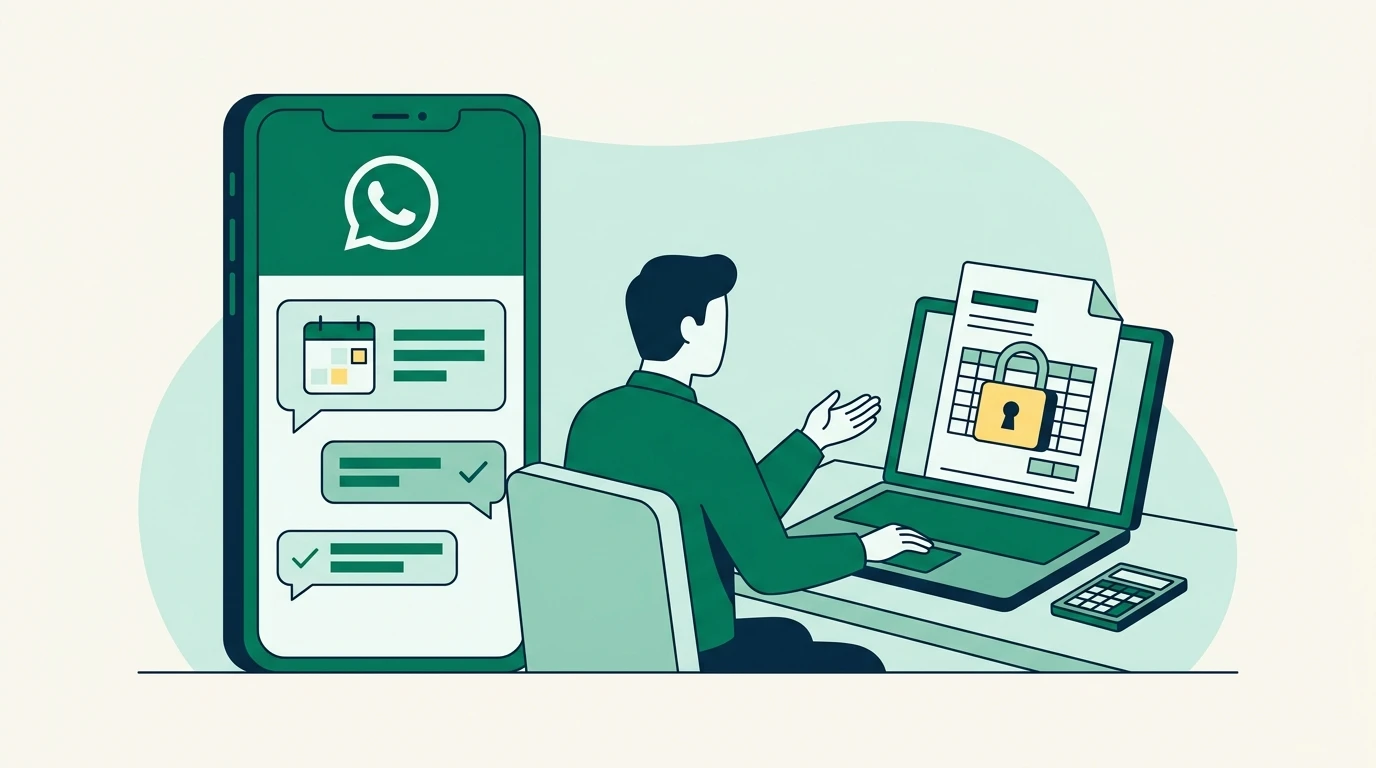
A client asks about tomorrow’s appointment while their documents sit buried in email. WhatsApp Business for tax preparers can organize those conversations using business profiles, quick replies, and labels. This walkthrough explains how to set up a professional workflow, handle bilingual communication, and connect reminders with staff responsibilities while keeping sensitive taxpayer information out of chat.
Key Takeaways
- Use WhatsApp for scheduling and general status updates. Route tax documents, identity information, and detailed return discussions through your approved secure workflow.
- Choose the Business app for simple, owner-managed conversations. Evaluate a CRM integration when employees need shared access, assignments, and conversation history.
- Record permission to message clients and their preferred language. Keep service reminders separate from promotional campaigns.
- On the WhatsApp Business Platform, free-form replies depend on the customer service window. Prepare approved templates for messages sent outside that window.
Step 1: Choose how your office will use WhatsApp Business
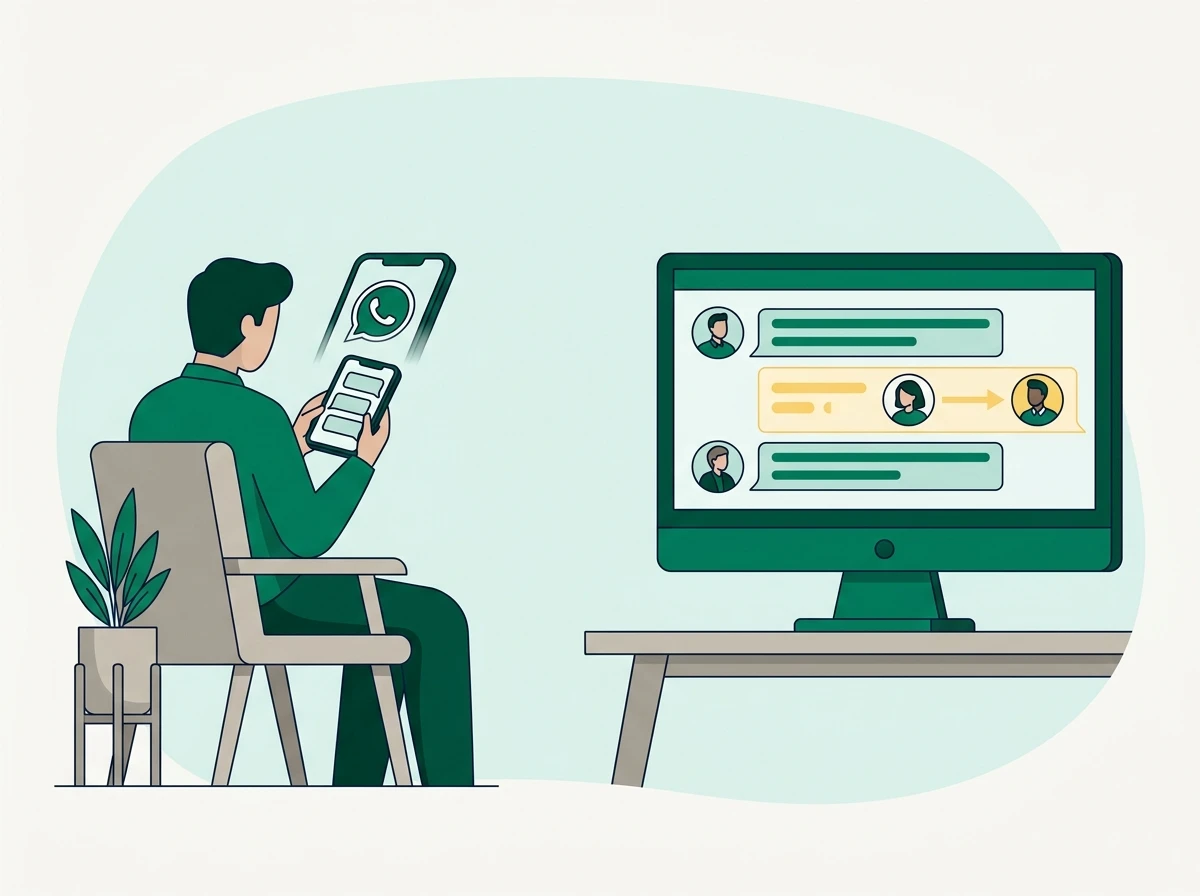
The WhatsApp Business app supports direct client communication from an office-managed account. The WhatsApp Business Platform connects WhatsApp to software such as a CRM, allowing a supported integration to bring conversations into a shared staff workflow.
Those are different operating models. A CRM does not automatically support WhatsApp simply because it offers texting, and connecting WhatsApp does not guarantee employee assignments or complete conversation history.
Run your tax office from one bilingual system.
See how Conecta handles clients, messages, documents, reminders, and workflows.
We recommend choosing based on who needs to answer clients during your busiest weeks.
| Decision | WhatsApp Business app | WhatsApp connected to a CRM |
|---|---|---|
| Who handles conversations? | Suits an owner or small team managing a business account through supported devices | Can support employees working in a shared inbox, depending on the integration |
| How are conversations organized? | Business tools include labels and quick replies | May connect messages with client records, assignments, and workflow status |
| What happens during a handoff? | Staff need a separate method to identify who owns the next action | Assignment and internal notes may make responsibility visible |
| What controls outbound messages? | App-specific messaging rules and available features | Business Platform rules, including templates and the customer service window |
| What should you budget for? | The basic app is free to download; optional services can cost extra | CRM fees, provider charges, Meta messaging charges, and implementation costs may apply |
One thing I’ve learned working with tax professionals is that many of their clients already prefer WhatsApp, especially in bilingual communities. I believe tax offices should communicate with clients where they’re most comfortable, without forcing employees to manage everything from personal phones.
That’s one reason we brought WhatsApp into Conecta alongside SMS and email. Conecta’s unified inbox for client communications brings these channels together, helping employees manage conversations without switching between separate apps.
Before selecting any integration, ask the provider to demonstrate a real handoff: a receptionist receives a message, assigns it to a preparer, and leaves an internal note. Then confirm what the next employee can see.
Planning for 2027: Meta’s messaging policies, fees, and account features can change. Treat this as an operating workflow, and verify the current rules before launching or renewing your setup.
Step 2: Set up an office-owned account and protect taxpayer information
Your office should control the WhatsApp number, account recovery, and employee access. A seasonal preparer’s personal account creates an avoidable problem when that employee leaves and clients continue sending messages there.
Use a number your business can retain. Before moving an existing number, ask your provider about migration, app compatibility, and access to historical messages. Do not assume the Business app and a CRM integration will run together unchanged.
Complete the business profile with your office name, hours, website, and a recognizable logo. Enable available account protections, including two-step verification, and secure every linked device with a screen lock. Review access when someone joins, changes duties, or leaves.
Set an away message that explains your actual response schedule:
Thanks for contacting our tax office. We review messages during our posted business hours. Please do not send Social Security numbers, tax documents, or payment card details in this chat. For document requests, use your client portal.
Decide what belongs in chat
We recommend keeping WhatsApp conversations focused on logistics. Appointment confirmations, office directions, and general document reminders usually require less exposure than discussions containing income details or identity information.
Do not ask clients to send Social Security numbers, identity documents, bank information, or complete returns through ordinary chat. Even where encryption applies, device access, screenshots, exports, backups, and connected software still affect confidentiality.
The IRS’s Protect Your Clients; Protect Yourself guidance explains tax professionals’ responsibilities for protecting taxpayer data. The FTC’s Safeguards Rule compliance guidance also identifies tax preparation firms among covered financial institutions.
A messaging app does not replace your written information security plan. Document which communications you permit, who can access them, and how retention and deletion work across connected systems.
If a client sends a tax document anyway, avoid quoting or forwarding it. Direct them to the approved upload method and follow your security plan for handling the existing attachment. If unauthorized access may have occurred, escalate through your incident-response process rather than simply deleting the chat.
Step 3: Record consent and language preferences before sending reminders
Client permission should be part of intake, with a record of what the client agreed to receive. A phone number on an old return is not a reliable substitute for permission to send WhatsApp reminders or marketing messages.
Meta’s WhatsApp Business Messaging Policy sets expectations for permission, appropriate messaging, and respecting requests to stop. Your office also needs to consider applicable privacy and communications laws; platform approval alone does not settle those obligations.
A practical intake statement might read:
May our office send appointment reminders and service updates to this number through WhatsApp? Please tell us your preferred language. You can ask us to stop WhatsApp messages at any time. Please use the client portal for tax documents and sensitive information.
Keep promotional permission separate where required. Agreeing to appointment reminders should not silently enroll someone in year-round marketing campaigns.
Your client record should capture the number, permission date, collection method, agreed message purpose, and preferred language. Record withdrawal of permission too. Someone asking “Please email me instead” should trigger a channel change, not another WhatsApp reminder explaining how to unsubscribe.
Build a bilingual workflow without making assumptions
Ask each client whether they prefer English or Spanish. A surname, neighborhood, or family member’s preference does not answer that question.
For a Spanish-preferring client, use professionally reviewed Spanish versions of your intake language and saved replies. The examples below show the English meaning of both conversation paths so your team can establish consistent instructions before translation.
| Client situation | English conversation | Spanish-preference conversation, shown in English |
|---|---|---|
| New appointment request | Client: “Can I schedule after work?” Staff: “Yes. Would you prefer an office visit or a phone appointment?” | Client asks in Spanish about evening availability. A Spanish-speaking employee replies in Spanish, offering the same appointment options. |
| Missing document | Staff: “Your checklist still shows an outstanding item. Please sign in to your portal to review it.” | The employee sends the approved Spanish version, using the same portal destination and checklist status. |
| Question needing a preparer | Client: “Can I claim my parent?” Staff: “A preparer needs to review your circumstances. I can arrange a call.” | The employee acknowledges the question in Spanish and assigns it to a preparer who can conduct the discussion in the client’s preferred language. |
Do not let automated translation become the final authority on tax advice. A mistranslated scheduling message is inconvenient; a mistranslated explanation of eligibility or filing status can change a client’s decision.
When WhatsApp is not the client’s preferred channel, the same permission and language records should guide your tax-office client texting workflow. Switching channels should preserve the client’s preferences.
Step 4: Understand the customer service window and approved templates
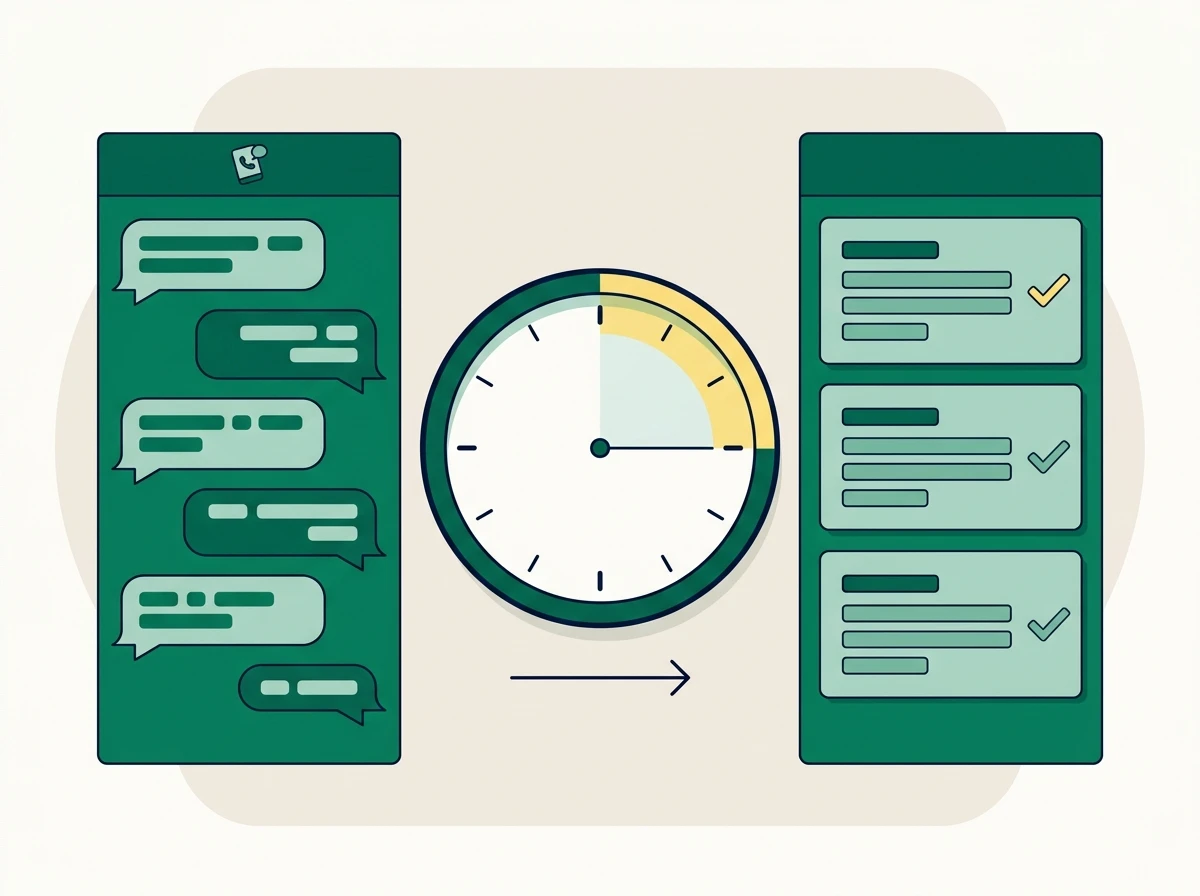
On the WhatsApp Business Platform, a client’s message opens a 24-hour customer service window, during which your office can generally send free-form service replies. A new client message refreshes that window.
Outside the window, business-initiated messages require an approved template. Meta documents these requirements and the associated charging framework in its WhatsApp Business Platform pricing guidance.
This distinction matters when WhatsApp runs through a CRM. An employee may see an existing conversation in the inbox but still need a template to restart contact.
An outbound reminder does not, by itself, reopen the window for unrestricted replies. The client must respond.
Prepare templates around actual office tasks
A message template is a preapproved message structure, potentially containing designated fields for appointment details or other permitted information. Template approval does not remove your responsibility to obtain permission or protect taxpayer information.
| Template purpose | Example wording to submit for review | Operational safeguard |
|---|---|---|
| Appointment reminder | “Hello [first name], this is [office name]. Your appointment is scheduled for [date] at [time]. Reply if you need to reschedule.” | Include the time zone when clients may be elsewhere |
| Outstanding checklist reminder | “Hello [first name], your requested checklist still has an outstanding item. Please sign in to your client portal to review it.” | Avoid naming sensitive documents or exposing tax details |
| Requested callback | “Hello [first name], [office name] is following up on your request to speak with a preparer. Reply with your preferred callback time.” | Confirm that the client actually requested follow-up |
| Appointment change | “Hello [first name], [office name] needs to update your scheduled appointment. Please reply so we can confirm a new time.” | Assign an employee to handle replies |
These are drafting examples, not guaranteed approved templates. Meta determines approval and classification, and your provider may impose additional submission requirements.
Prepare reviewed language versions for the clients you serve. Confirm that your integration selects the correct approved version rather than translating an English template at send time.
Keep service templates focused on their stated purpose. Adding a referral promotion to an appointment reminder can change its classification. A message sent to sell bookkeeping services after tax season should be evaluated as marketing, rather than disguised as a filing update.
Step 5: Build the workflow from first question to missing-document follow-up
A useful WhatsApp workflow connects every message to an owner and a next action. Without those connections, your office has simply added another place to check.
Start with common questions. Save reviewed answers about office hours, appointment options, accepted payment methods, and how to access the portal. Staff can personalize the greeting while preserving the approved instructions.
For substantive tax questions, acknowledge the request and arrange a preparer review. Avoid letting reception staff turn a quick reply into advice about dependents, credits, or filing status.
A worked appointment and document sequence
Imagine an existing client messages your office asking whether they can schedule after work. This is an illustrative workflow, not a reported client result.
Receive and identify. The receptionist checks whether the number matches an existing record. If identification is uncertain, they follow your verification procedure without asking the client to post a Social Security number in chat.
Client: “Can I come in after work?”
Office: “We can check evening availability. Would you prefer an office appointment or a phone appointment?”
Book and confirm. Once the client chooses, the employee records the appointment in the scheduling system. The confirmation includes the date, time, location or call instructions, and a way to request a change.
Office: “Your office appointment is confirmed for [date] at [time]. Please review your portal checklist before the appointment. Reply if you need to reschedule.”
Send the reminder. The system checks whether the appointment is still active and whether WhatsApp permission remains valid. If the customer service window has closed, it uses the appropriate approved template.
Handle the reply. A client who says “I can’t make it” creates a rescheduling task. The office should stop the old reminder sequence when the appointment changes.
Request outstanding items. The preparer updates the checklist before follow-up goes out. The client receives a general reminder pointing to the portal, where the actual document request lives.
Office: “Your checklist still shows an outstanding item. Please sign in to review it. If you already uploaded it, reply and we’ll check.”
Client: “I uploaded it this morning.”
Office: “Thank you. We’ll check the upload and update your checklist before sending another reminder.”
That final check prevents a common frustration: asking for a document that is already sitting in the office’s queue. Your missing-document follow-up process should distinguish “not received” from “received but awaiting review.”
Keep bilingual service consistent through the handoff
For a Spanish-preferring client, the conversation should remain in Spanish when responsibility moves from reception to preparation. Store the language preference on the client record and make it visible to the next employee.
If no qualified employee is available, acknowledge the request using reviewed wording and arrange a callback. Do not leave the client repeating the same question across WhatsApp, email, and a phone call.
Step 6: Assign ownership, test exceptions, and budget for tax season
Before launching, give every active conversation a responsible employee. A shared inbox can make messages visible to everyone while leaving them owned by nobody.
Use simple statuses that match your office’s work, such as awaiting staff response, awaiting client response, and resolved. Where supported, keep internal notes separate from messages the client can see.
A useful internal handoff reads:
Client requested an evening appointment. Prefers Spanish. Waiting for scheduling confirmation. No tax documents requested in chat.
Avoid copying sensitive return details into notes simply because clients cannot see them. Internal information still needs access controls and retention rules.
Test the situations that break normal workflows
Run a test conversation through your actual setup before inviting clients. Confirm which messages reach WhatsApp, what staff can see, and how the system behaves when a template cannot be delivered.
Test a client requesting no further WhatsApp messages, an incorrect phone number, and an appointment cancellation. Also test a message arriving when the assigned preparer is absent. These situations reveal whether your workflow depends on one person watching their phone.
If a message fails, do not repeatedly resend it or automatically switch channels without checking permission. Use your approved fallback process and record the outcome.
Seasonal staffing deserves a separate cost review. Ask whether temporary employees require paid seats, whether departing staff can be deactivated without losing history, and which roles can export conversations.
Meta’s fees and provider pricing can change, so obtain a current breakdown before budgeting for 2027. Compare the total cost of CRM access, employee seats, message charges, setup, and ongoing support. An attractive subscription price can become expensive if your busiest months require additional accounts and manual administration.
After launch, review unanswered conversations and reminders sent after resolution. Those operational mistakes are more useful to fix than simply trying to increase message volume.
Frequently Asked Questions
What are the benefits of WhatsApp Business over regular WhatsApp?
WhatsApp Business adds tools such as a business profile, labels, and quick replies. For a tax office, those tools help standardize routine communication, although employee assignments and CRM-linked workflows depend on the setup.
Can I create a WhatsApp Business account without a phone number?
You need a phone number that can complete WhatsApp’s verification process. Check number eligibility with WhatsApp or your integration provider before changing your office’s existing phone setup.
Is WhatsApp Business free, or does a tax office have to pay?
The basic WhatsApp Business app is free to download, while optional services may carry charges. A CRM-connected setup can involve software subscriptions, provider fees, and Meta messaging charges, so request a complete pricing breakdown.
Can clients pay tax preparation fees through WhatsApp?
Native payment availability varies by market and account setup, so do not assume it is available to your office. You can direct clients to your approved payment process, but never ask them to send card or bank details in the conversation.
Can multiple employees answer the same WhatsApp number?
The Business app supports linked-device use within its current limits, while a Business Platform integration can support a shared staff workflow. Verify assignments, permissions, and conversation visibility before assuming either approach will meet your office’s needs.
Start with one dependable workflow: appointment confirmation, a reviewed reminder, and a clearly assigned reply. Once that works, extend it to outstanding-document follow-up. To compare that approach with a connected office setup, explore WhatsApp Business messaging for tax offices and identify which handoffs your team needs to manage together.
Need a bilingual CRM built for tax offices?
Conecta combines CRM, client portal, automations, and bilingual workflows in one system made specifically for tax professionals.